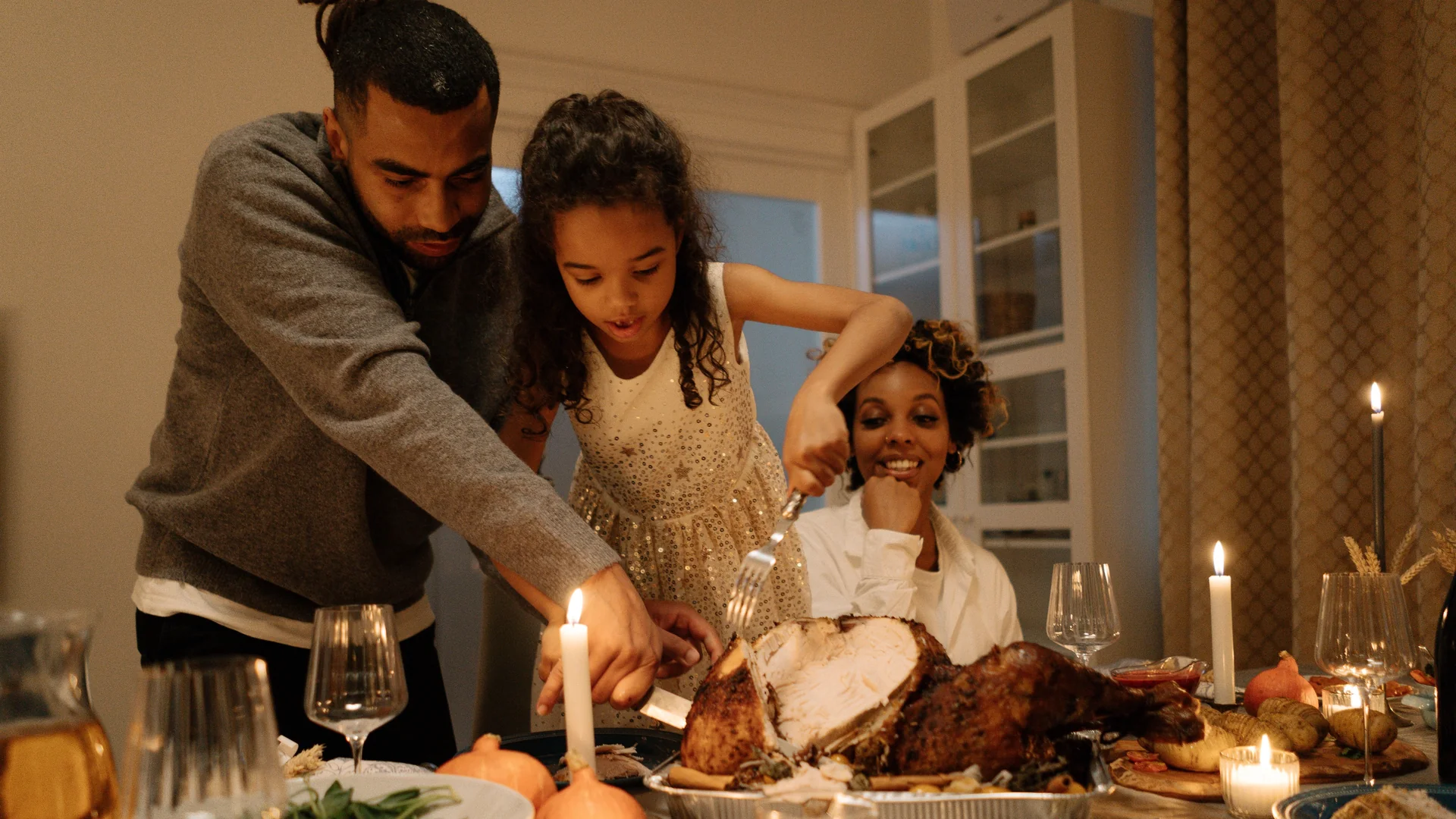
Your cousin waits until your mouth is full of mashed potatoes to ask, “Hey, are you guys open Friday? Mom wants to swing by.” At Thanksgiving dinner, at least you can answer between bites. On Christmas Eve, Mom might already be halfway into town before she thinks to check. And on New Year’s Day? Even the people who work there might need to look it up.
For someone out North deciding whether to make the drive into town, the useful answer is pretty simple. Can I come in, and if so, when? Here’s how to give customers the same answer on Google, your website, and social media all season.
1. Give Google the Whole Holiday Schedule
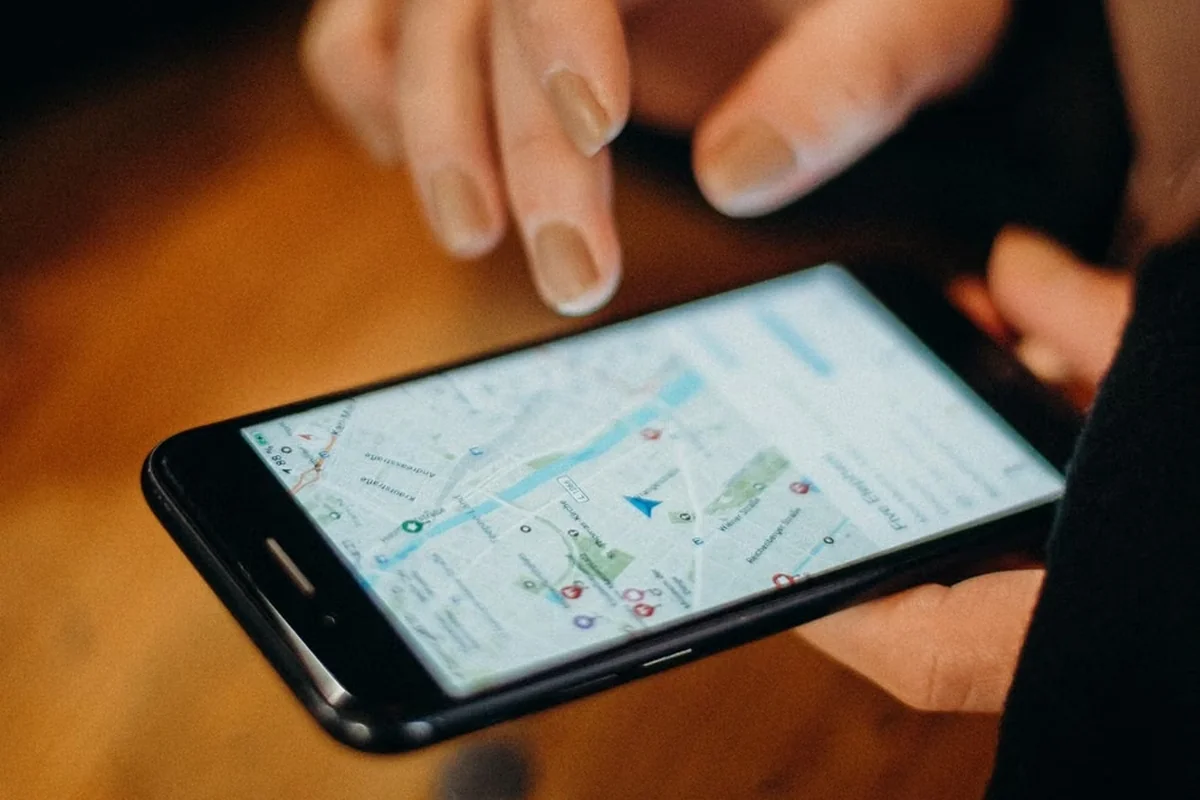
Start with the dates your staff have actually agreed on. Thanksgiving Day might be an easy “closed.” The Friday after is the one people will ask about. In December, check Christmas Eve and New Year’s Eve separately. A noon closing is easy to miss when your regular hours say five.
Open the Google Business Profile you manage, choose Edit profile, then Hours, and look for Special hours. Select each date, enter the hours you’ll be open or mark it closed, and save. Google also recommends confirming hours on a holiday even when you’re keeping your usual schedule. Using Special hours leaves your regular weekly hours in place.
If you know the Christmas and New Year’s schedules already, enter them while you’re there. If January is still up in the air, put a reminder on the calendar for whoever will have the answer. That gives the task a better chance than “somebody should update Google.”
2. Tell Website Visitors When to Come Back

“Closed for the holidays” can mean one afternoon or the better part of two weeks. Pair every closure with a reopening date and time. Here’s what that could look like for a shop closing early on Christmas Eve:
“Last-minute shoppers, we’re here until 2 p.m. on Christmas Eve, Dec. 24. We’re closed Christmas Day and back Saturday, Dec. 26, at 10 a.m.”
Put the notice near the top of your homepage and beside the regular hours on your contact page. Open it on your phone. If you have to scroll past last summer’s harbor photo to see whether the doors are open, move the notice up.
Think about what brings people to your door, too. If the bakery counter stays open until two but Christmas pie pickups end at noon, say both. That one line is worth a lot to the person responsible for dessert.
3. Pin a Post People Can Pass Along
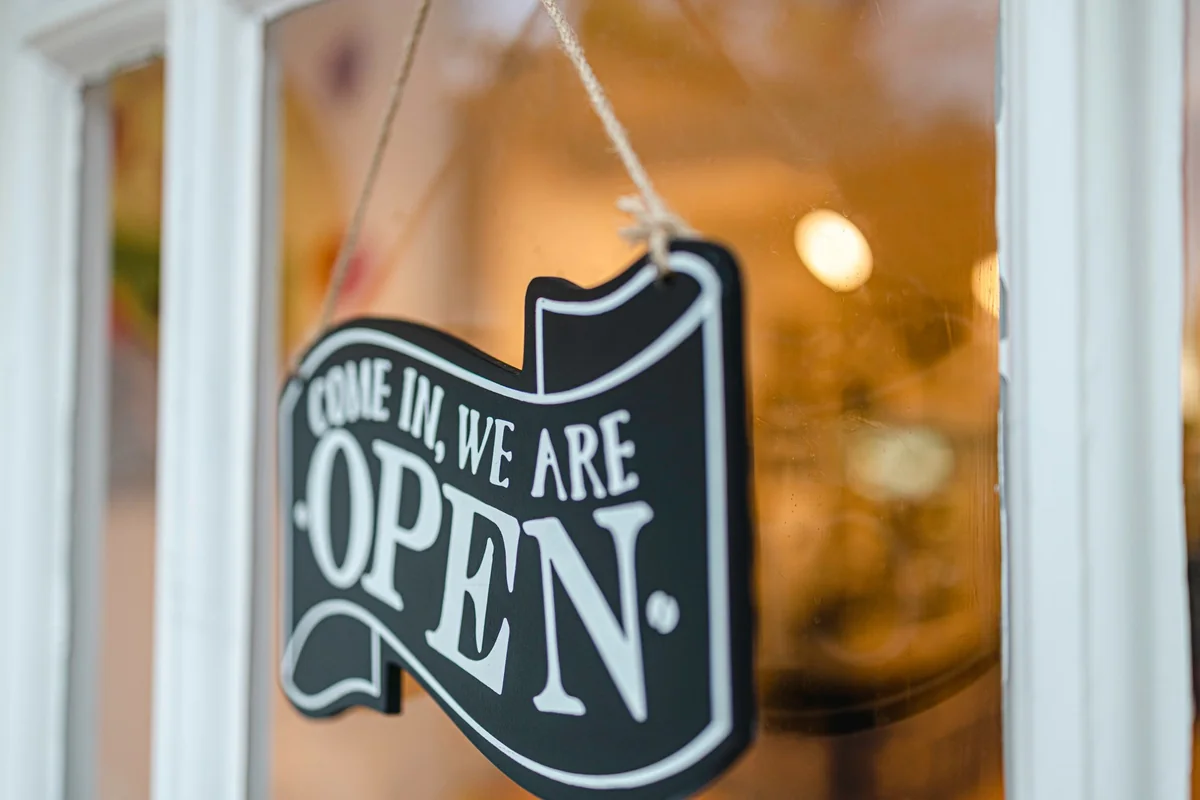
Take a photo of the sign on your door and put the dates and hours in the first line of the caption. Pin the post to the top of the Facebook Page or Instagram profile your customers use. Now Mom can send it to the family group chat without making anybody zoom in on your handwriting.
As each holiday passes, update or replace the pinned post. By Dec. 30, someone landing on your page wants to know whether they can stop in after work on New Year’s Eve or grab coffee on New Year’s Day. A Thanksgiving post still sitting at the top leaves them guessing.
Before the next holiday, ask a coworker to look up one specific errand on their phone. “Could I pick up an order at three on Christmas Eve?” is a better test than “Do the hours look okay?” If Google, the website, and the pinned post all give the same answer, you’re ready.
Happy holidays from all of us at Bold Marketing & Design. May your customers find you open and your family save you the last slice of pie.
Want a Hand with Holiday Hours?
Want fewer “Are you open?” messages this holiday season? Contact Bold Marketing & Design for help getting your holiday hours on Google, your website, and social media. We’ll help your customers plan their visit so you can get back to the pie.